xbox game pass install stuck
Xbox App Game Pass Install Stuck on “Loading”? Here’s the Fix That Actually Works
· 2 min read
Xbox Game Pass install button stuck on loading? If restarting, reinstalling the Xbox app, or using a VPN didn’t help, the issue might be Rockstar Social Club, Ubisoft Connect, or EA App. Here’s the real fix that works.
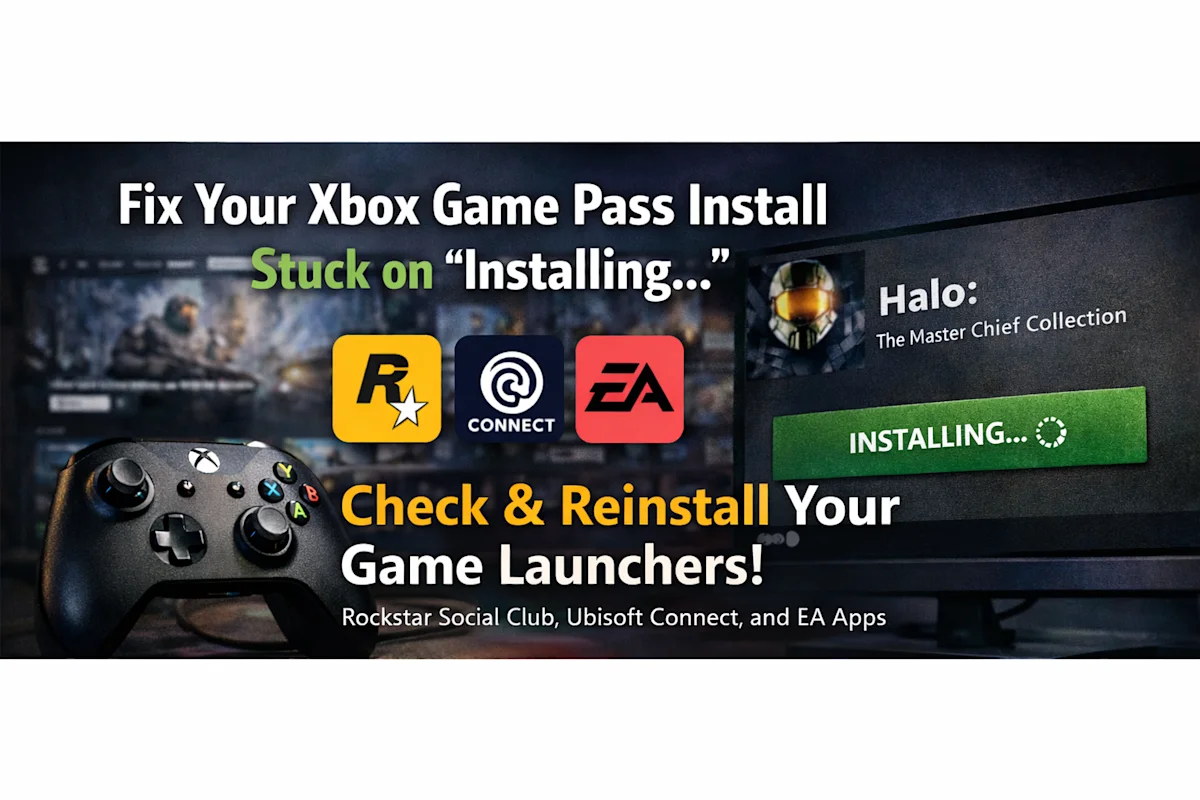
So you open Xbox Game Pass, pick a game, click install… and the button just keeps spinning.
“Installing…” “Preparing…” “Loading…”
Forever.
You restart your PC. You reinstall the Xbox app. You even try using a VPN.
Still stuck.
If that sounds familiar, don’t worry — this is a very common issue, and the real fix is usually something most people completely overlook.
Let’s break it down.
The Problem: Game Pass Button Stuck on Loading
When you try to install a game through Xbox Game Pass on PC, the install button just stays in a loading state. No progress. No error. Nothing happens.
Most users assume:
Xbox servers are down
Microsoft Store is broken
VPN or region issues
Cache problem
Windows update issue
But in many cases, none of these are the real cause.
Why This Happens (The Real Reason)
Here’s what most people don’t realize:
Many Game Pass games depend on third-party launchers to start.
For example:
Rockstar games → Rockstar Social Club
Ubisoft games → Ubisoft Connect
EA games → EA App
When you hit install, Xbox checks whether these launchers are working properly in the background.
If one of them is:
Corrupted
Outdated
Not launching properly
Stuck in login loop
Missing required services
The Xbox app just keeps loading — without telling you what’s wrong.
No clear error message. Just infinite spinning.
The Fix (This Is What Actually Works)
Instead of reinstalling the Xbox app again, do this:
Step 1: Identify the Game Publisher
Check which launcher the game uses:
Rockstar → Rockstar Social Club
Ubisoft → Ubisoft Connect
EA → EA App
Step 2: Manually Open the Launcher
Open the launcher directly from Start Menu.
If:
It doesn’t open
It crashes
It freezes
It asks for login and fails
It shows background service errors
That’s your problem.
Step 3: Reinstall the Launcher
This is the key step.
Uninstall the problematic launcher completely.
Restart your PC.
Download the latest version from the official website.
Install it fresh.
Log in manually and confirm it works properly.
Now go back to Xbox Game Pass and try installing again.
In most cases — it works instantly.
Why Reinstalling Xbox Doesn’t Fix It
Because the issue isn’t Xbox.
Xbox is just acting as a middle layer. If the dependent launcher fails silently, Xbox doesn’t always show a proper error message.
So reinstalling:
Xbox app
Microsoft Store
Windows Gaming Services
Won’t fix a broken Rockstar, Ubisoft, or EA launcher.
Quick Checklist Before You Panic
Before trying extreme fixes, just check:
✅ Rockstar Social Club opens and logs in ✅ Ubisoft Connect opens normally ✅ EA App launches without errors ✅ All launchers are updated ✅ You can start a game manually from those launchers
If any of these fail — reinstall that launcher.