
Since 2019
The lobby
tells you
nothing.
The profile tells you everything. Bans, hours, medals, trust factor and every report already filed against them.
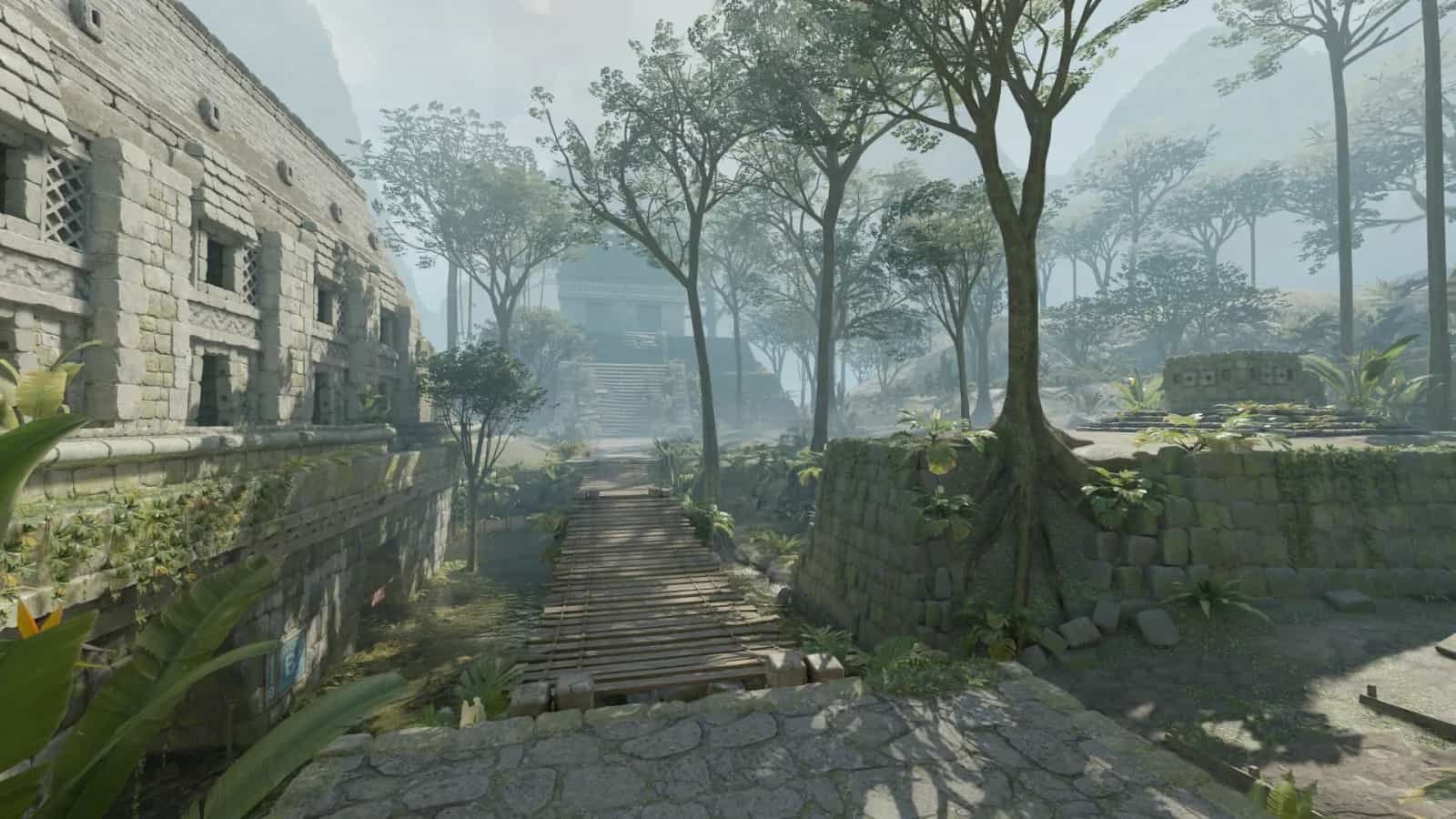
About
What is Nohax.club?
Nohax.club is a set of free tools for Counter-Strike 2 players. You can read any Steam account, report the ones that look wrong, watch what the skin market is doing, and build a crosshair. It has been running since 2019.
Our CS2 Report Tool reads any public Steam profile and shows the ban history, account age and hours before you decide anything. If it still looks wrong, you can file a report through Steam's own reporting system.
Most people who end up here are tired of losing matches to someone who is obviously cheating. The tools are free, they work without an account, and they only read data Steam already publishes.
 nohax.clubFree CS2 tooling, Steam data onlyOperational
- Running since
- 2019
- Tools
- 14
- Languages
- 4
- Accounts on the watchlist
- 3,263
- Confirmed bans
- 425
- Account required
- None
- Data source
- Public Steam API
CS2 Ban Watch
Reported here. Banned by Valve.
Every profile reported on the site is kept under watch and checked against Steam. These are the accounts that came back banned.
 269dGAMEDranik
 83dGAMEBuried
 93dGAMEgurt
 134dGAMEone tap big dick energy
 -1dGAMEДеДуЛя_ИЗ_FBI
 153dGAMEzxzxzxzxzxzxzzxxzzxxzxzzx
 105dGAMEgondonishe
 179dGAMEMiku Beam
 -13dGAMETerauki
 27dGAMEemosense
 26dGAMEBERCUT_1
 30dGAMEЧеклак
425
Median days to ban
p25 11d · median 26d · p75 66d · p90 154d
The toolset
14 of them.
Every one of them is free and runs on public Steam data. None require an account.
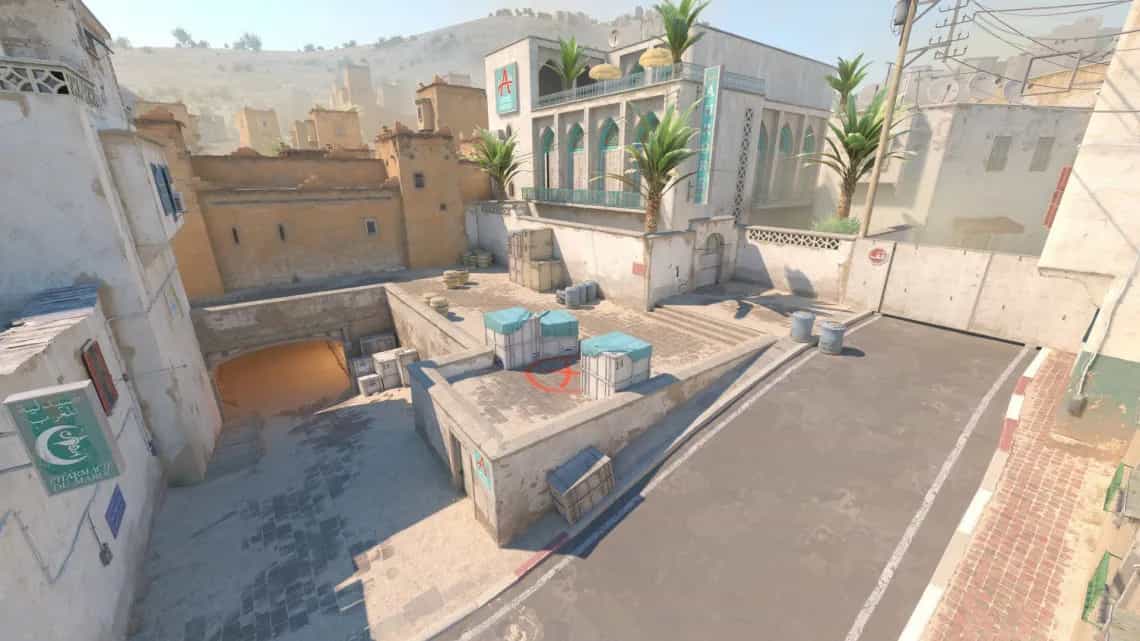
Report Tool
Look up a Steam profile and add it to the community record.
02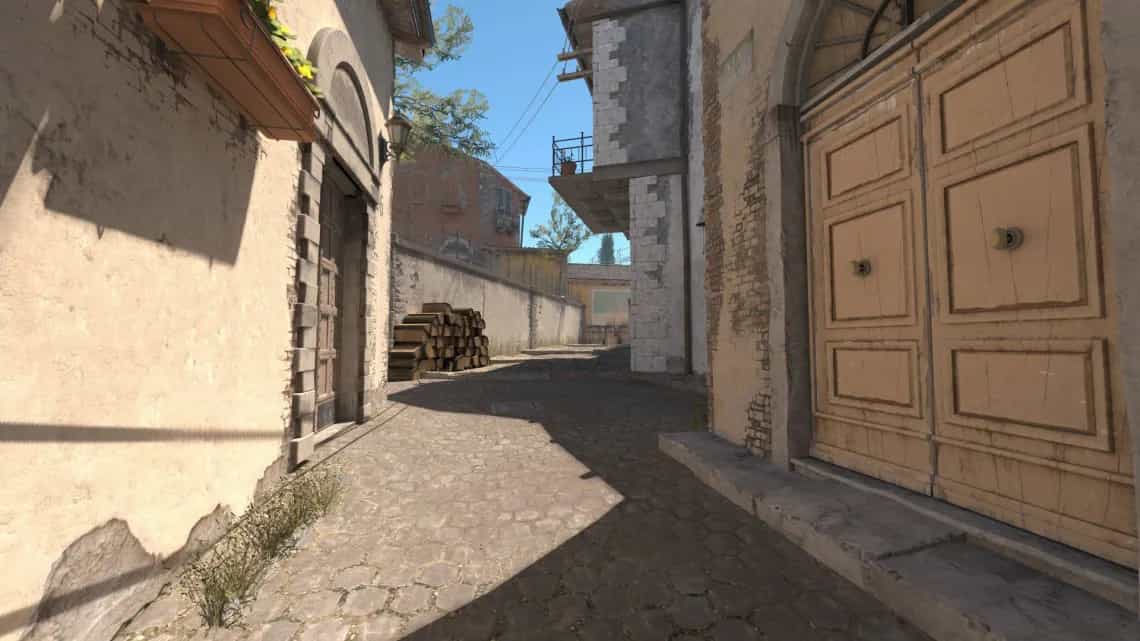
SteamRep
Bans, hours, medals, weapon history and smurf signals in one readout.
03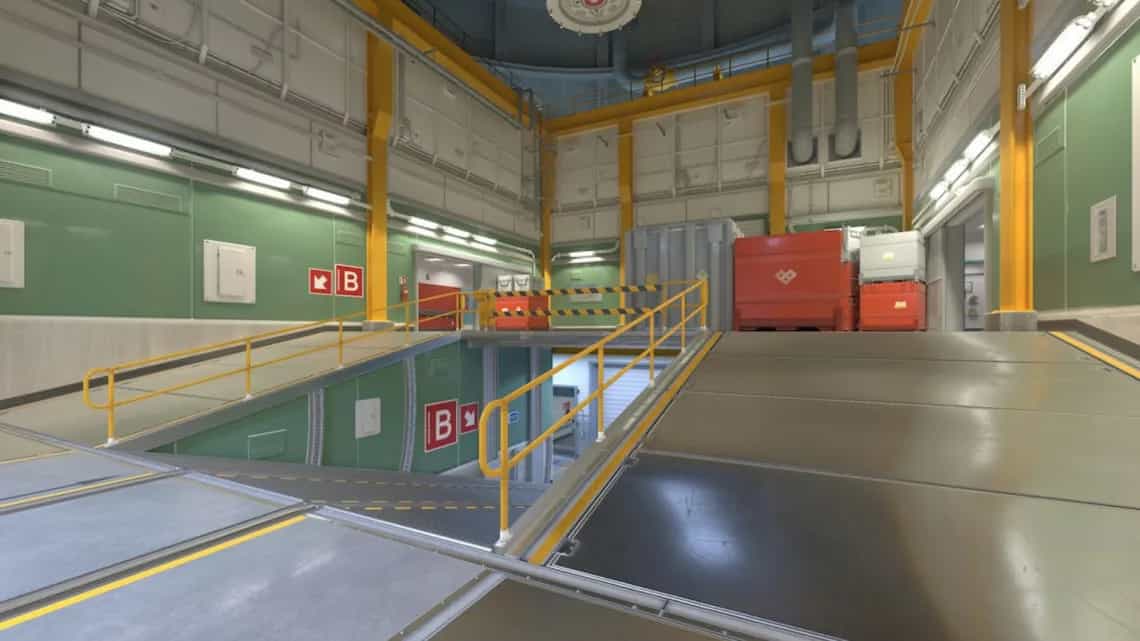
Trust Factor Checker
One verdict on an account's standing, in about four seconds.
04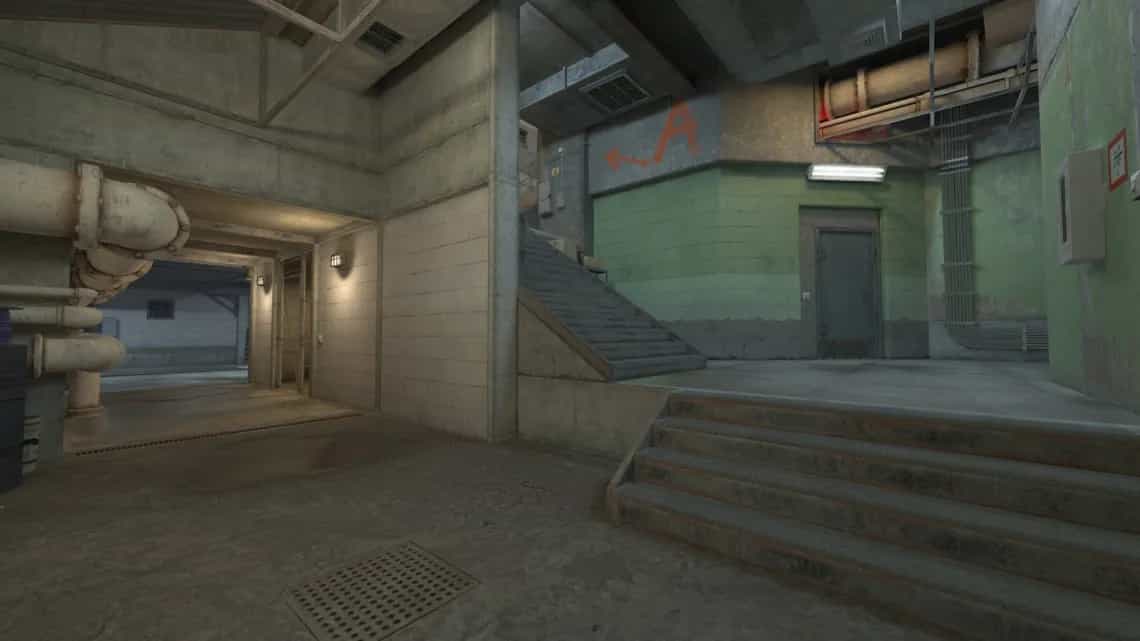
FACEIT Finder
Resolve a Steam account to its FACEIT level, ELO and recent form.
05CS2 Ban List
Every account reported here that Valve has since banned.
06
Crosshair Generator
Build one against a real map backdrop and export the share code.
07
Pro CS2 Crosshairs
Two hundred pro codes, copied straight into your game.
08
Sensitivity Converter
Convert your sensitivity between CS2, Valorant and Apex so the muscle memory carries over.
09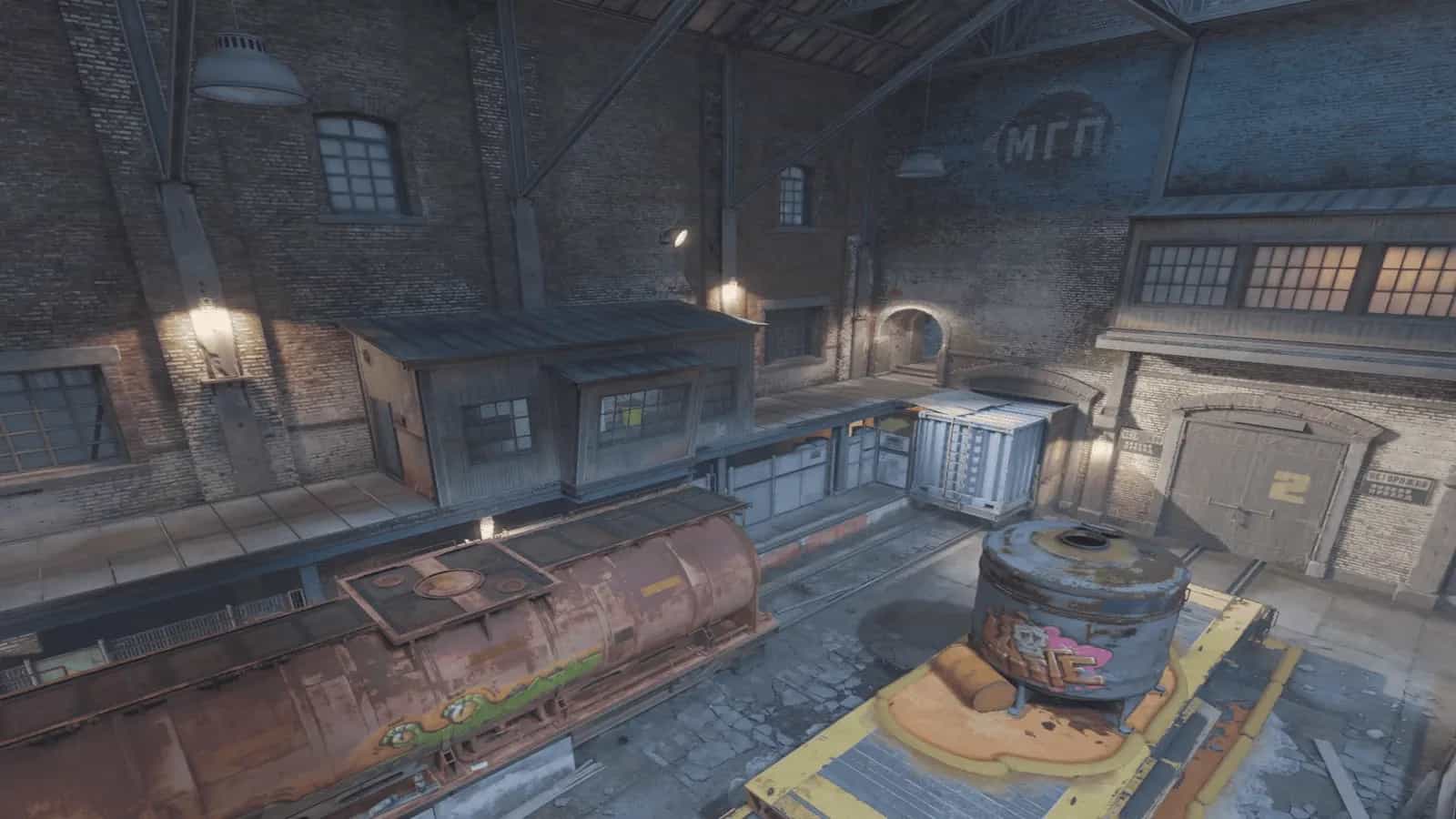
Crosshair Converter
Paste a crosshair code the game rejects and get one it accepts.
10Config Generator
A clean autoexec.cfg without reading the cvar wiki first.
11
Bind Generator
Keybinds and scripts, jumpthrow included, copied straight out.
12
Rating Reset Calculator
Project where Premier drops you at the season reset.
Why it matters
Fair play in Counter-Strike 2
Cheating has been a persistent problem in Counter-Strike since the original game launched in 2000. Despite Valve's VAC (Valve Anti-Cheat) system and the newer VACnet machine-learning detection, thousands of players continue to use aimbots, wallhacks, and other unfair software in competitive matches. This ruins the experience for legitimate players and undermines the integrity of the ranking system.
Reports still matter. When several people flag the same account it moves up Valve's review queue. What this site does is make the lookup fast, so you can see the ban history, account age and CS2 hours before deciding whether a report is worth filing.
The market side is a different problem. Skin prices get pumped and dumped, and from inside a trade it is hard to tell which is happening. The tracker watches thousands of items and flags the ones moving the way a pump usually moves.
Discord bot
Bring fair-play tools to your server
Invite the bot so your server can look up Steam profiles and check reputations from Discord. It reads the same public data the website does.
- 01Always OnlineThe Discord bot runs around the clock so your server members can look up Steam profiles and check player reputations any time.
- 02Simple CommandsType a short command with a Steam profile URL in your designated channel and the bot returns the player's public profile summary.
- 03Channel UpdatesKeep your community informed with lookup results posted directly in a channel you choose, so everyone sees the same public information.
- 04Built for CommunitiesBuilt for CS2 servers that care about fair play. Your members get the same public Steam data the website shows.
Bring it to your community
Join our Discord to add the bot to your server and get setup help from the community.
The workflow
How Nohax.club works
- 01
Search & Verify
Paste a Steam profile URL, a custom URL or a SteamID64. We ask the Steam Web API for what it already publishes: VAC bans, game bans, community bans, when the account was made, CS2 hours and medals.
>steamcommunity.com/id/Check - 02
Review & Decide
Read the whole profile before doing anything. A new account, an old ban, or hours that do not match the way someone plays are all worth noticing. The trust factor weighs those signals together so you are not judging on one number.
52TRUST · MODERATE - 03
Report Responsibly
If you think they are cheating, file the report. It goes through Steam's own reporting system. Be careful with it: a false report wastes review time that a real one needed.
REPORTED7656119••••4412Filed through Steam's own reporting system.
Before you accept
Check the account, not the scoreboard.
You get the ban record, the trust factor and every report this community has filed. It takes about four seconds and it costs nothing.