Генератор биндов
Генератор биндов CS2
Включите нужные бинды, выберите клавиши и скопируйте готовый binds.cfg с jumpthrow, который всё ещё работает на официальных серверах.
Start from a loadout
Jump-throw uses the alias method, the version that still works on official Valve servers, in Premier and on FACEIT. Load it, change the key if you want, and copy.
Throwables
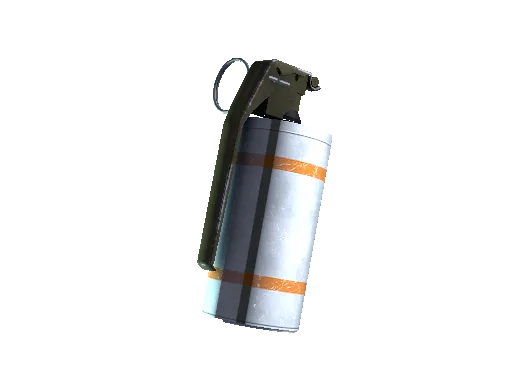 SmokeC
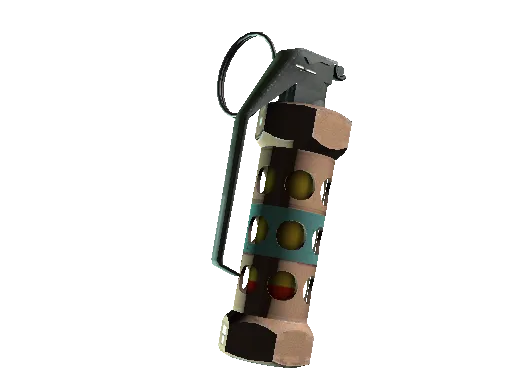 FlashX
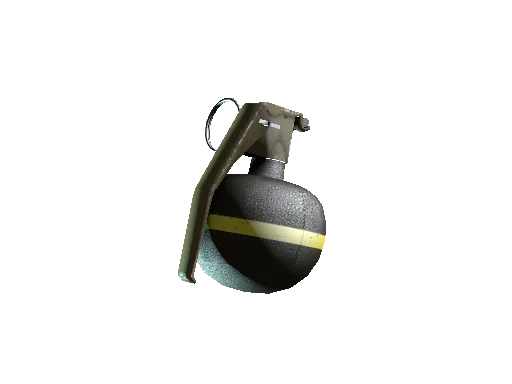 HEZ
HEZ MolotovV
 DecoyAssign
Actions
 Drop bomb5
Click any key or mouse button to choose what it does.
Or pick an action on the left, then press the key you want.
- Free — click to bind
- Bound
- Two actions on one key
- Set by a toggle
- 01In CS2 press ~ to open the console
- 02Paste each block below in order (2 of them — the console only takes 255 characters at a time)
alias "+jumpthrow" "+jump;-attack;-attack2"; alias "-jumpthrow" "-jump"; bind "alt" "+jumpthrow"; bind "mouse1" "+attack;r_cleardecals"; bind "mouse2" "+attack2;r_cleardecals"; bind "c" "use weapon_smokegrenade"; bind "x" "use weapon_flashbang"
bind "z" "use weapon_hegrenade"; bind "v" "use weapon_molotov weapon_incgrenade"; bind "5" "use weapon_c4;drop"
Pasting in the console applies the binds right away but they are lost when CS2 closes. Save them as csgo/cfg/binds.cfg and run exec binds to keep them.
CS2 binds that are actually worth setting up
A good bind list is quiet. You stop thinking about it and just play. The jump-throw lands the same lineup every round, the grenade keys skip the scroll, and clearing decals keeps a smoked angle readable. None of it is a cheat. These are console binds Valve ships with the game, and they work in Premier, competitive, and FACEIT.
The one that trips people up is the jump-throw. The old one-line version that mixed jump and attack no longer fires on official servers, so a lot of guides hand you a bind that quietly does nothing. This tool writes the alias version instead, which is the one that still works.
Common questions
Why does my old jump-throw bind not work anymore?+
The one-line bind that combined jump and attack stopped working on official Valve servers. CS2 now needs the alias version, which this tool writes for you. It works in Premier, competitive, and FACEIT.
Which key should I bind jump-throw to?+
Alt is the most common because your thumb already rests near it and it is almost never used for anything else. Mouse 4 and Mouse 5 are the other popular picks, and several pros run one of them. Avoid anything you need mid-fight: Shift is walk, Space is jump, and binding over either will cost you rounds. Pick one, then leave it alone long enough for it to become muscle memory.
Are bind scripts allowed in CS2?+
Yes. Jump-throw, clear-decals, grenade select, and buy binds are all standard console binds. Valve allows them in matchmaking and Premier, and FACEIT allows them too. Scroll-wheel jump is also allowed, though some players prefer the space bar for consistency.
Where do I put a binds.cfg file?+
Save the file as binds.cfg inside the game's csgo/cfg/ folder. Open the console in game and type exec binds to load it. To run it every launch, add it to the end of your autoexec.cfg.
Do the pro presets use real binds?+
They reflect each player's publicly documented setup where it exists (s1mple runs jump-throw on Mouse 4 with a scroll-jump, for example) and the common pro nade layout otherwise. Treat them as a fast starting point and change any key to suit your hand.
What is the difference between this and the config generator?+
This page focuses on keybinds and action scripts. The config generator covers video, mouse, crosshair, audio, and network settings. Most players use both, then paste everything into one autoexec.cfg.